Walk into most enterprise offices today, and you’ll find something interesting: AI tools everywhere, but actual productivity gains? Those are harder to spot.
Companies have been buying AI solutions like they’re going out of style. Customer service bots, analytics platforms, forecasting tools, you name it, someone’s budget got approved for it.
But throwing money at AI doesn’t automatically make your business run better. In fact, plenty of organizations are discovering they’ve just traded old problems for expensive new ones.
The difference between companies getting real value from AI and those just burning cash comes down to one thing: enterprise AI workflow optimization.
Not the buzzword version, but the actual work of making these tools play nicely together and fit into how people actually work.
Why Most AI Deployments Create More Problems Than They Solve
Here’s what usually happens. Marketing buys an AI tool for campaign analytics. Sales gets its own system for lead scoring.
Finance brings in something completely different for forecasting. IT is just trying to keep everything running and wondering why they weren’t consulted earlier.
Each department thinks they’re being innovative. Each tool works fine on its own. But nobody stops to think about what happens when these systems need to talk to each other, which is basically always.
So, you end up with marketing insights that could inform sales strategy, except they’re locked in a platform that doesn’t connect to the CRM.
Sales data that would make financial forecasts more accurate sits in yet another silo. Everyone’s looking at a piece of the puzzle, but nobody can see the whole picture.
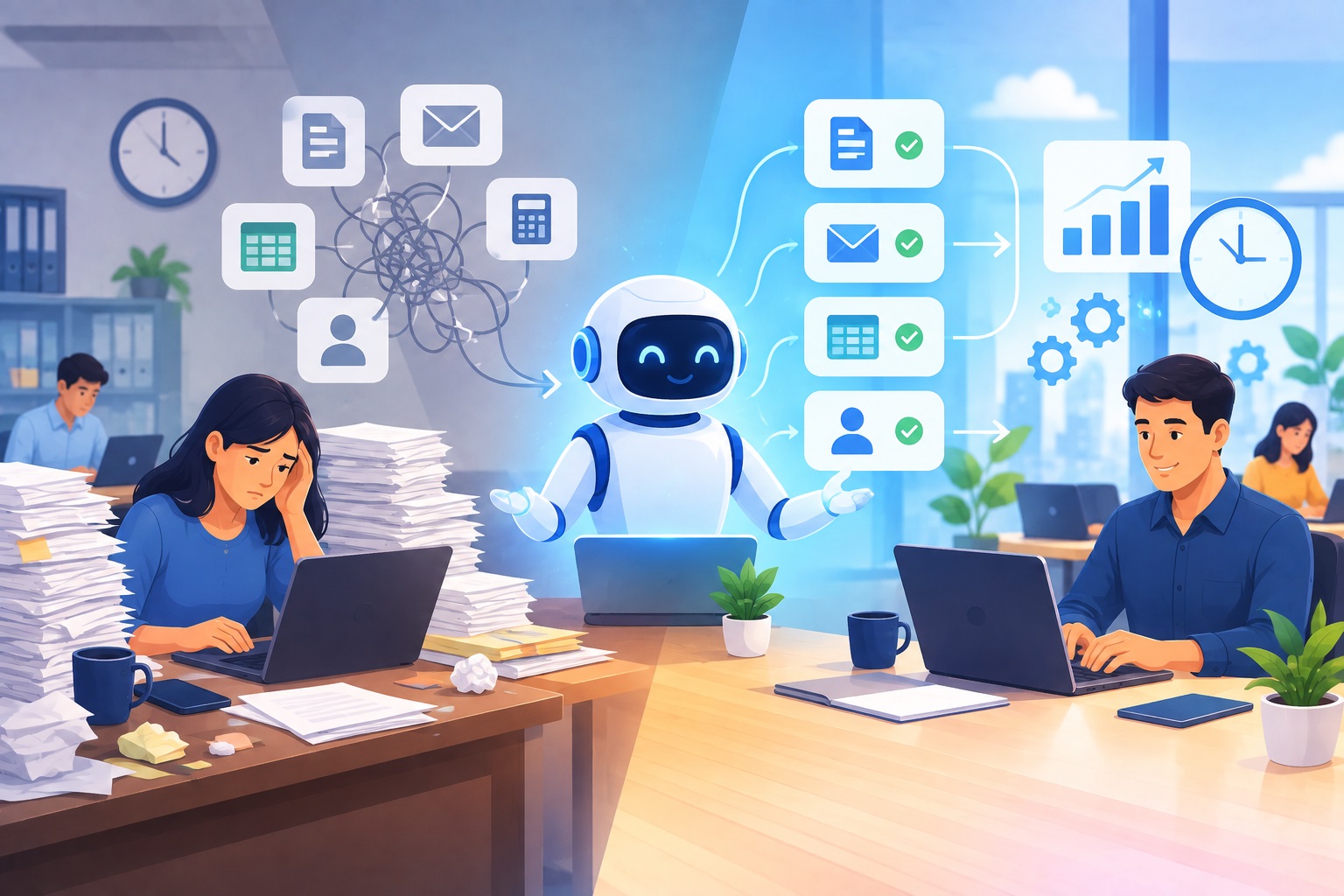
Your teams spend half their time manually pulling data from one system to feed into another. The very thing AI was supposed to eliminate, tedious, repetitive work, has just changed form. Instead of data entry, it’s data translation.
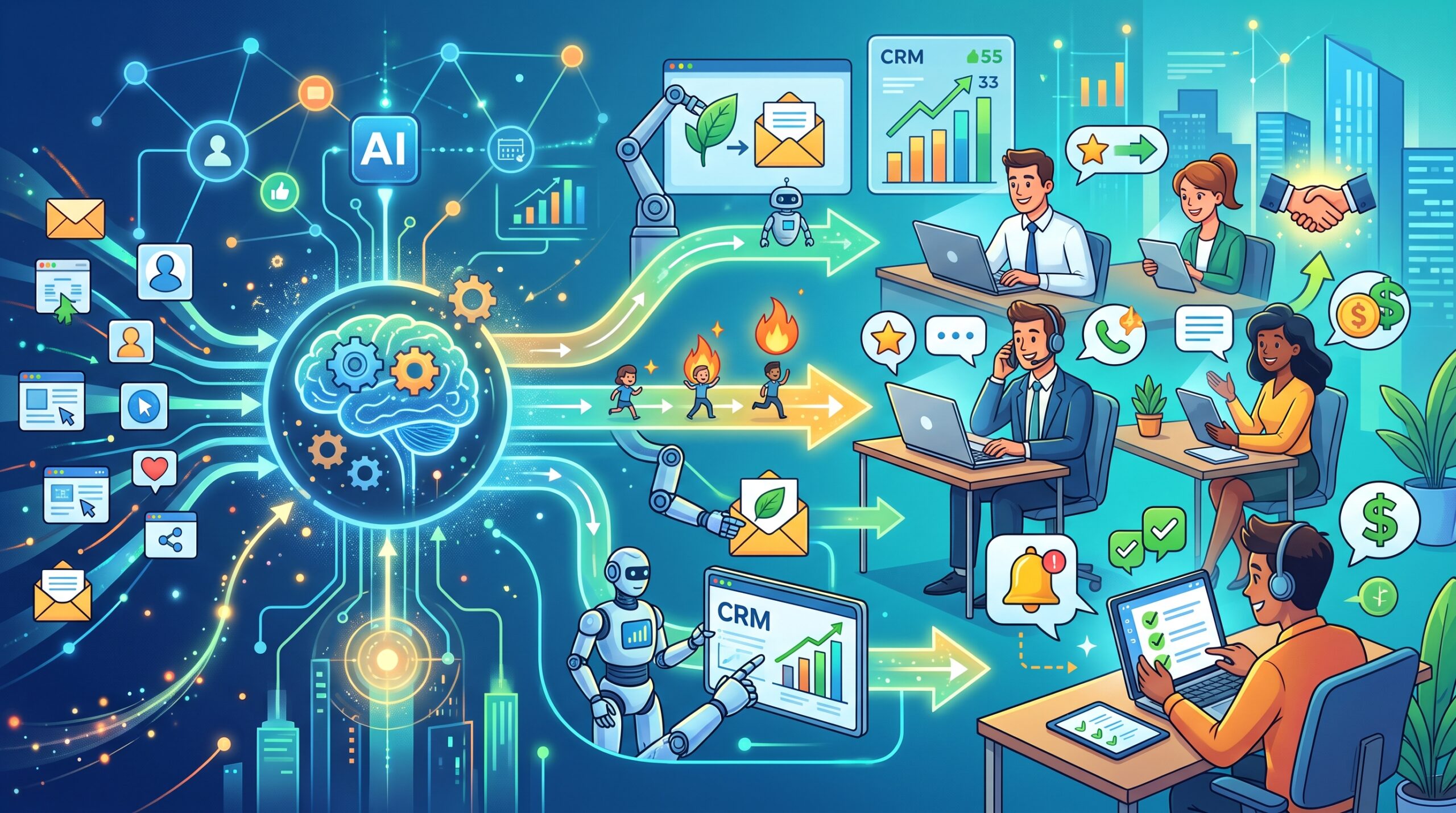
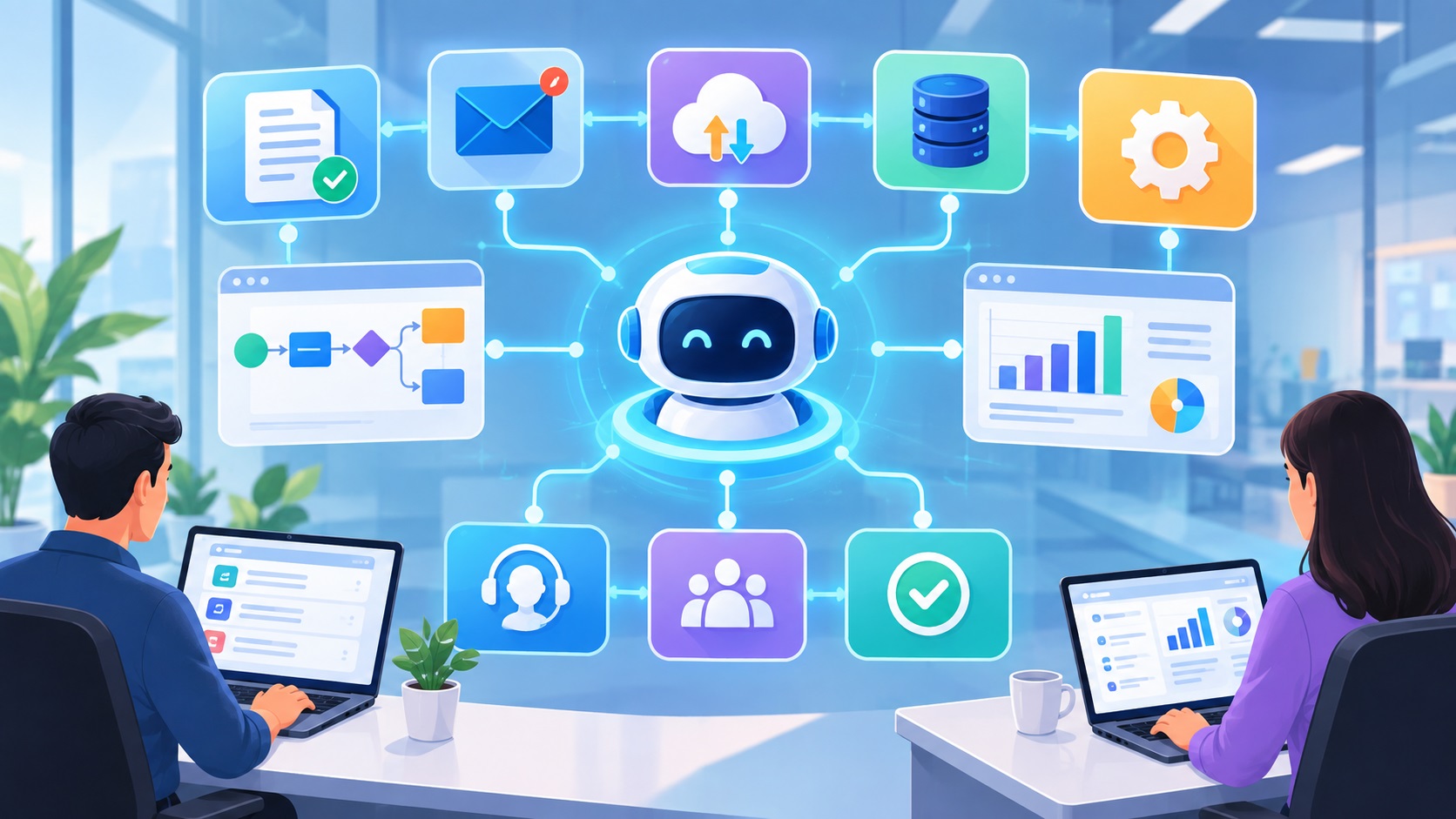
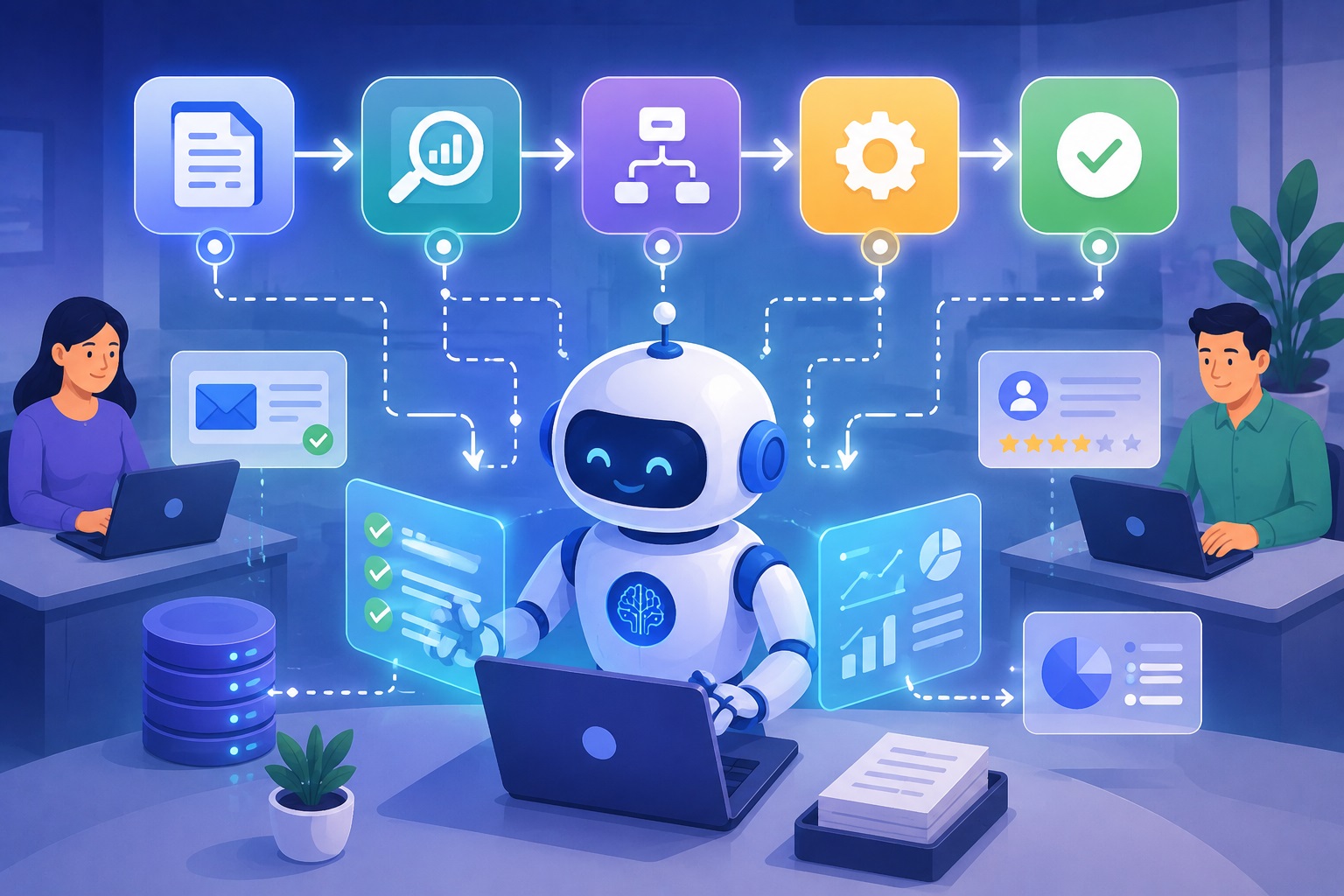
Getting enterprise AI workflow optimization right means actually connecting these dots. When your sales data flows automatically into your financial models, when customer service insights inform product development without someone creating a PowerPoint about it first, that’s when AI starts paying off.
What’s Actually Working Right Now
Let’s talk about real AI workflow use cases. 2026 is proving out, not theoretical possibilities.
A manufacturing company I know connected its supply chain AI to production scheduling. Sounds simple, but the impact was massive.
The system predicts demand spikes, automatically adjusts production runs, and reorders materials before anyone has to think about it. They cut inventory costs by 30% in six months just by letting two AI systems share data.
Financial institutions are doing something similar with fraud detection. The old way: AI flags suspicious activity, sends an alert, someone reviews it hours later, manually pulls customer history, tries to decide what to do.
The new way: AI flags the issue, instantly routes it to the right specialist based on fraud type, pulls all relevant history automatically, and even drafts the customer communication. Same security, fraction of the time.
Healthcare facilities are using connected AI workflows to manage patient flow. The system watches bed availability, staffing schedules, emergency room traffic, and historical patterns all at once.
When it sees a potential bottleneck forming, it doesn’t just warn someone; it suggests specific fixes like reassigning staff or preparing discharge paperwork for patients likely to leave soon.
None of this required reinventing the wheel. These companies just stopped thinking about AI as individual tools and started building complete workflows.
Picking Tools That Won’t Make Everything Worse
When you’re looking at AI workflow tools for business productivity, forget the feature lists for a minute. The most important question is: will this actually integrate with what we already use?
That fancy AI platform with incredible capabilities? Worthless if it takes your dev team six months to connect it to your existing systems.
You need tools with solid APIs and pre-built connectors for standard enterprise software. If it can’t talk to your CRM, ERP, and data warehouse without major custom work, keep looking.
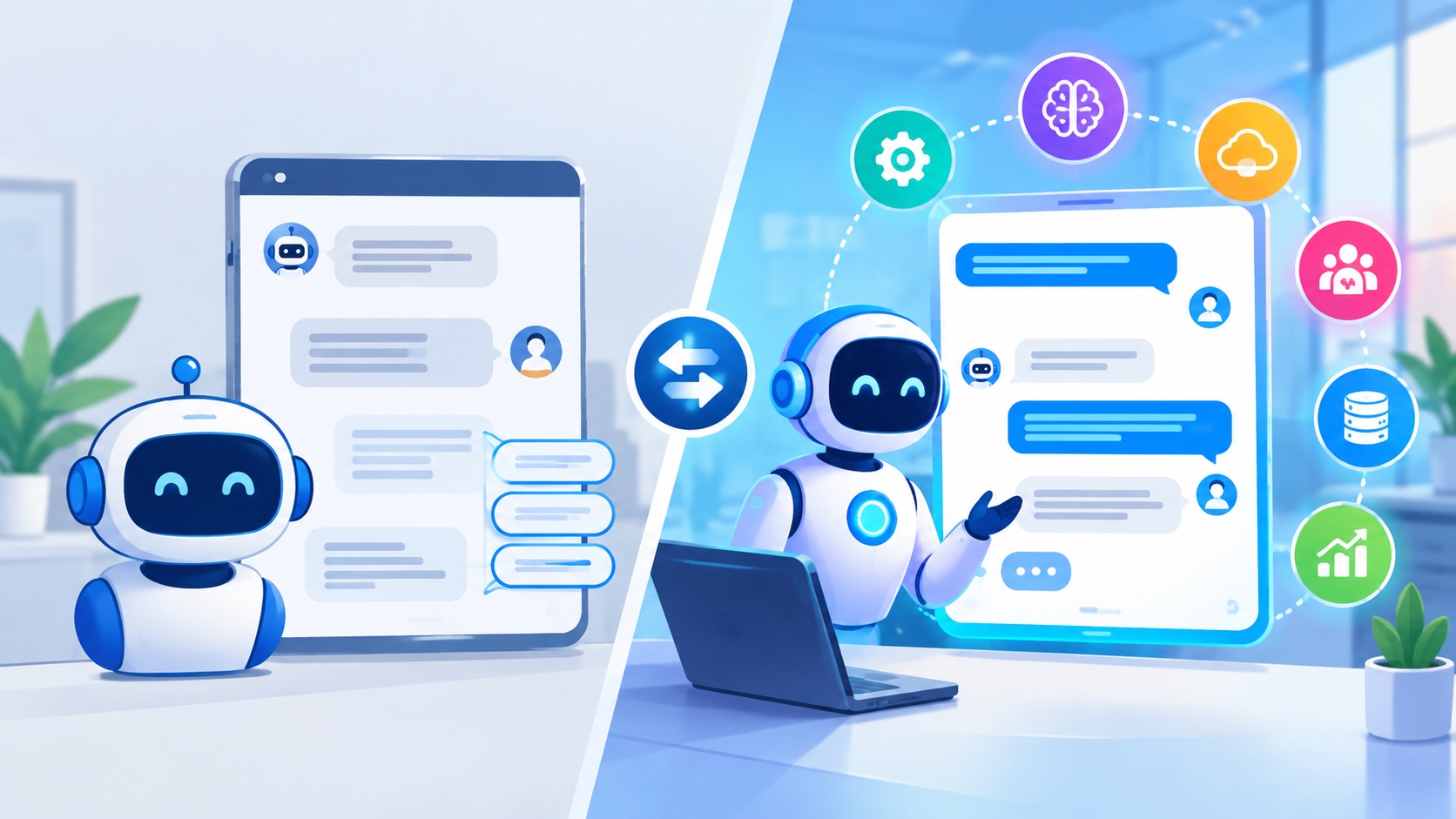
The workflow automation platforms with AI baked in are worth a close look. These let you map out your actual business processes, then drop AI into specific decision points. You’re not trying to force your workflow to fit the AI; you’re using AI to make your workflow smarter.
One thing that separates good AI workflow tools from bad ones: they know when to stop and ask for help.
Full automation sounds great until your AI makes a decision that costs you a major client. The best systems pause for human judgment on high-stakes calls while handling the routine stuff on their own.
Making It Stick
Companies succeeding with AI workflow optimization aren’t just chasing efficiency. They’re using AI to make smarter decisions, and there’s a difference.
This means building feedback loops. When your pricing AI suggests a discount strategy that works, that success should improve future recommendations.
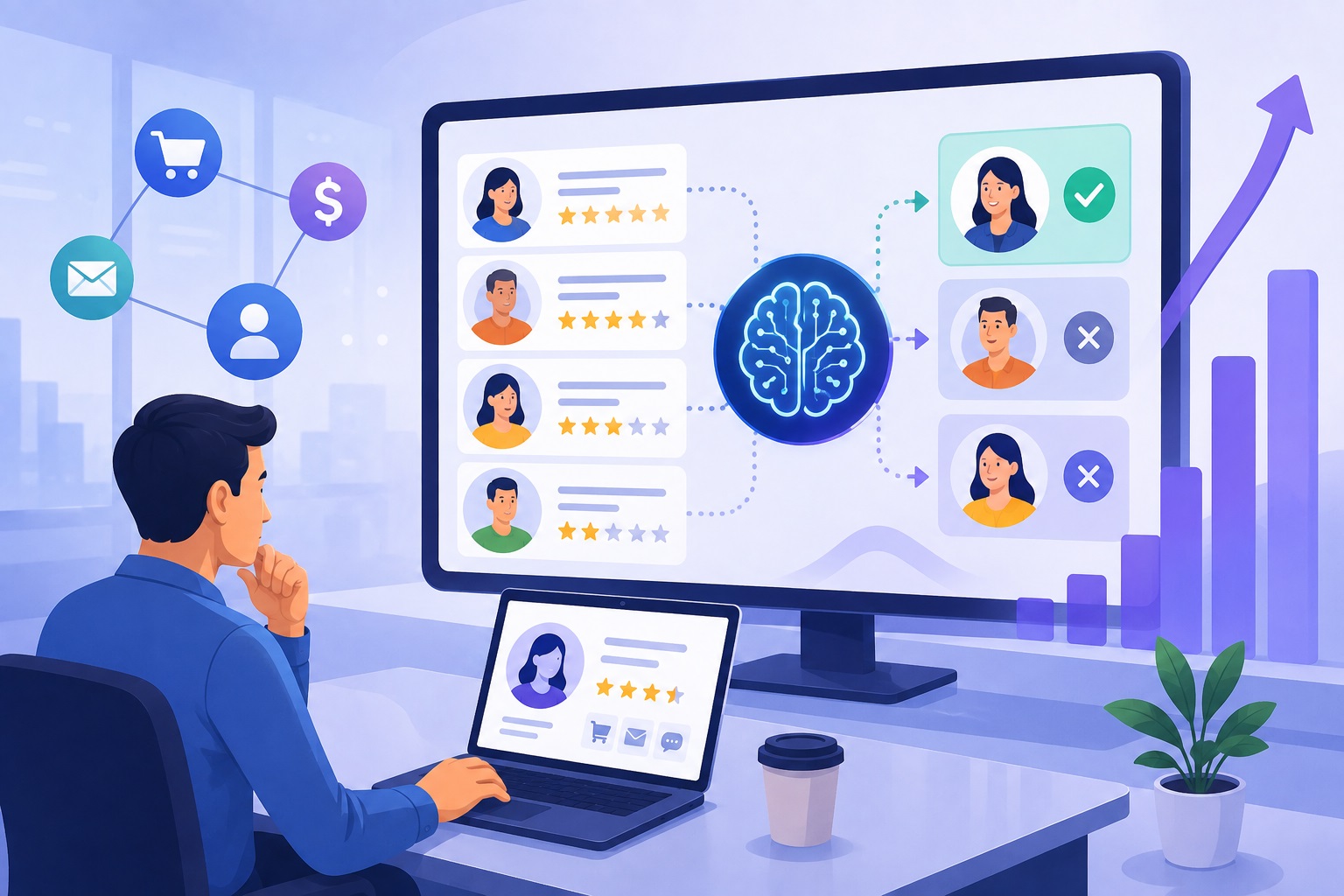
When your hiring algorithm recommends someone who flames out in three months, the system needs to learn from that miss.
You also can’t ignore the people side. Your team needs to understand what the AI is actually doing, where it’s reliable, and when to override it.
The productivity bump doesn’t come from replacing human judgment; it comes from giving your people better tools to make better decisions faster.